Information Communications Technology
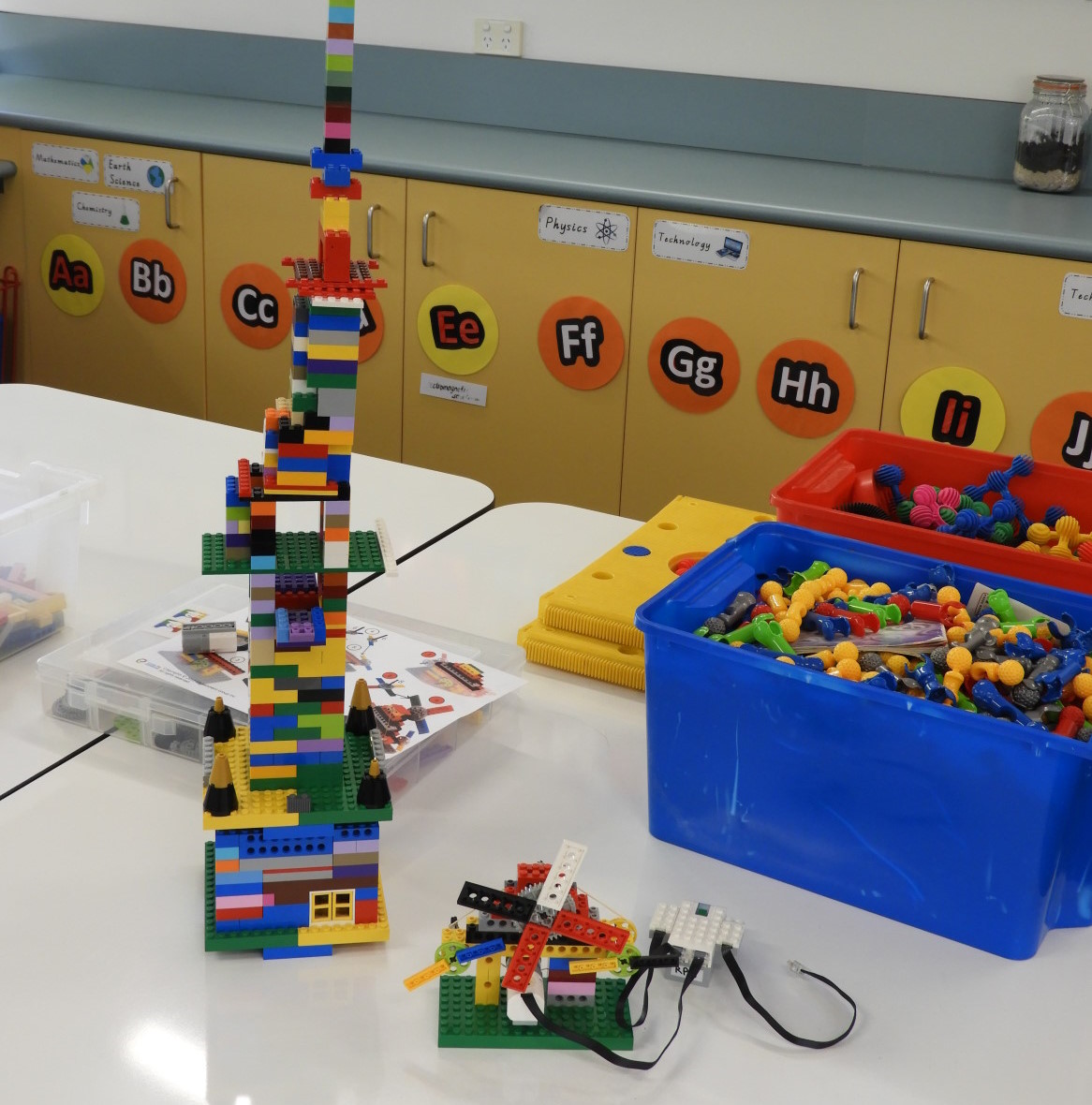
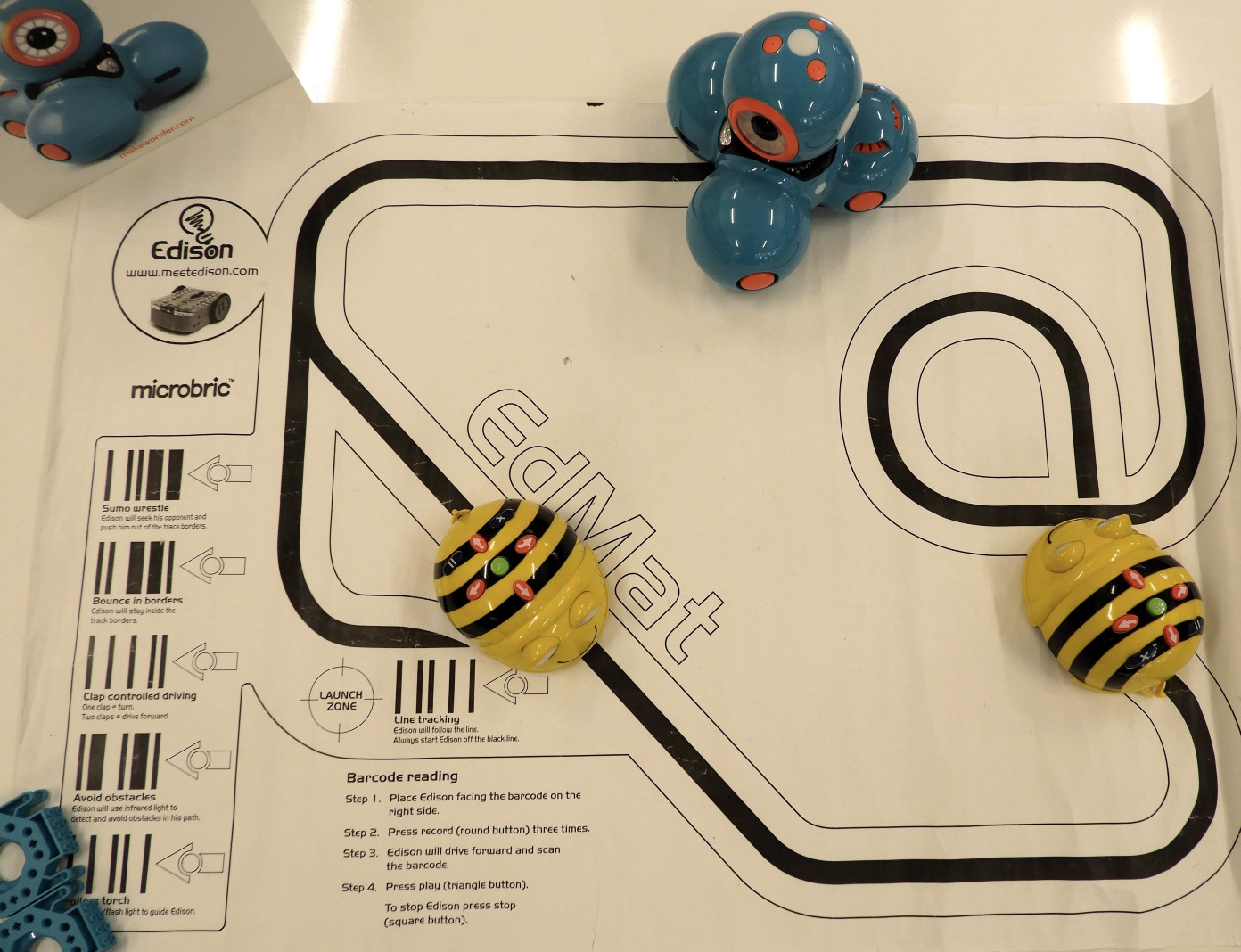
At Rowville Primary School Information and Communications Technology (ICT) enables data to be digitally processed, stored and communicated. Our staff and students utilise ICT to access, process, manage and present information; model and control events; construct new understanding; and communicate with others.
Digital pedagogies are integrated throughout the curriculum to facilitate quality learning. ICT enables the support of personalised and authentic learning and is the vehicle for learning experiences to be broadened and deepend.
We provide our students with the tools to transform their learning and to enrich their learning environment. The knowledge, skills and behaviours that we aim to develop in our students are to:
- develop new thinking and learning skills that produce creative and innovative insights
- develop more productive ways of working and solving problems individually and collaboratively
- create information products that demonstrate their understanding of concepts, issues, relationships and processes
- express themselves in contemporary and socially relevant ways
- communicate locally and globally to solve problems and to share knowledge
- understand the implications of the use of ICT and their social and ethical responsibilities as users of ICT.
Our focus with ICT is on the task to be accomplished rather than on the technology that students are using to do the work. Through the selection and application of appropriate equipment, techniques and procedures, students process data and information skilfully to create information products in forms that are meaningful for themselves and their audience. These products effectively demonstrate their knowledge and understanding of the concepts, issues, relationships and processes that are the subject of the task.
Students are provided with tools and strategies to monitor learning patterns and problem solving strategies. This provides a sound foundation for transforming personal learning. They gain an understanding of Internet protocols and strategies for exchanging information, which enables them to share and challenge their own and other people’s ideas and solutions with a global audience.
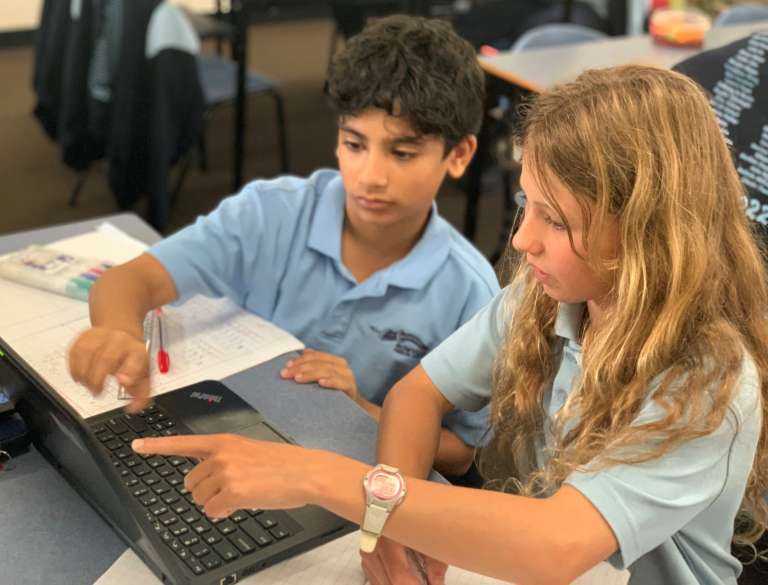

One-to-One device Program
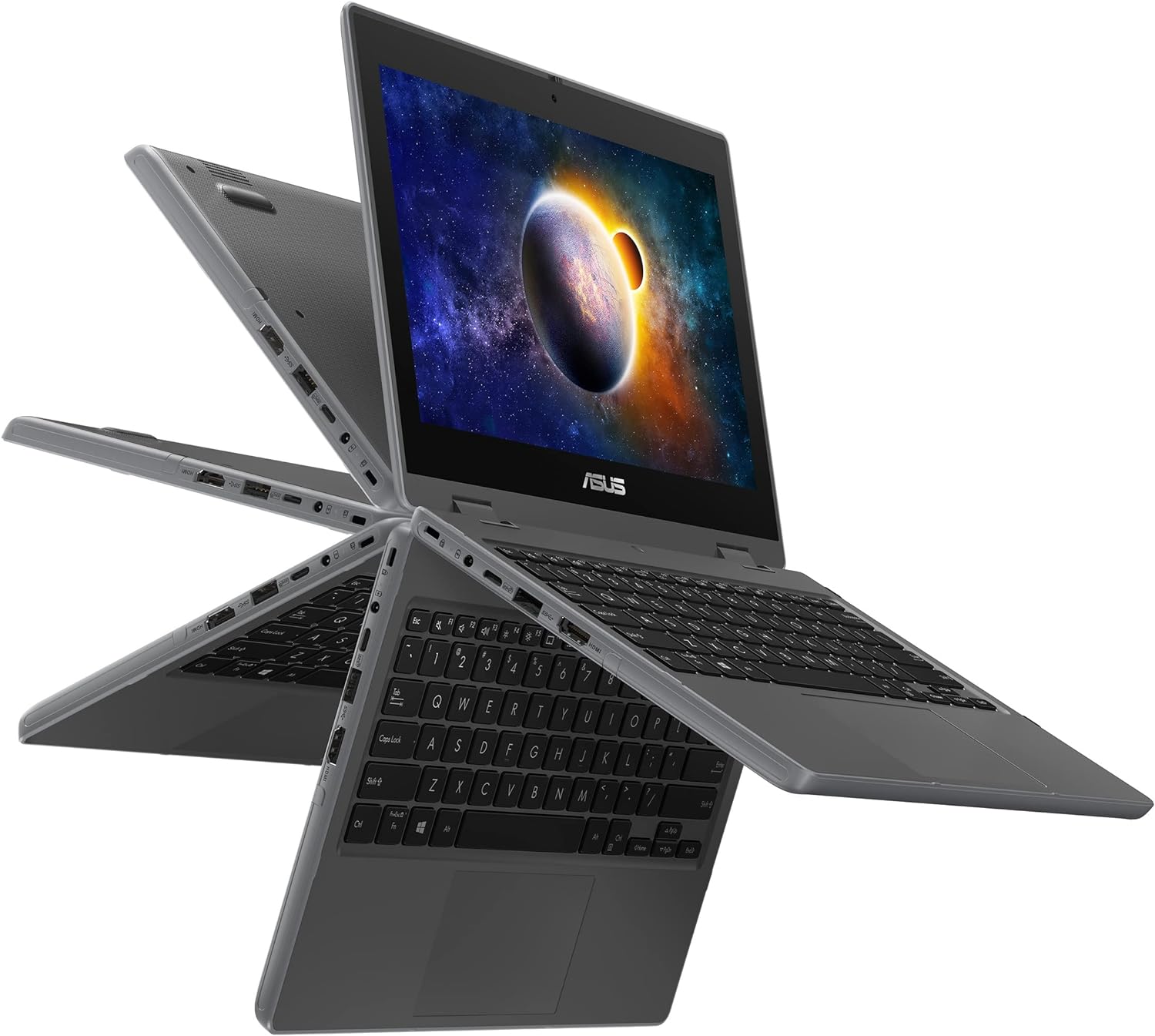
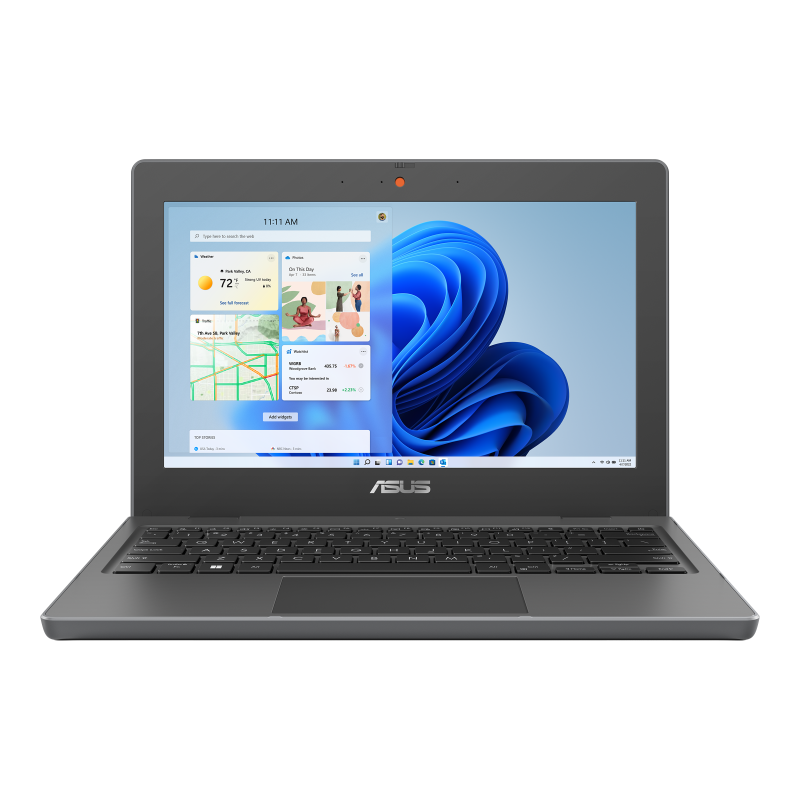
The focus of our One-to-One Device program is to increase access to technology tools and resources for the 21st century learner.
By providing individual use of devices, we are not only helping students to maximise their potential and better prepare them for further studies, we are also teaching students the responsibility of caring for their assigned device as well as providing them a sense of ownership.
Our One-to-One Device program runs side-by-side with our general device program, ensuring that all students have access to quality technology resources both hardware and software.
Having individual use of devise is a way to empower students to achieve their full potential and develop practical skills for that can be used in ever changing world of education, workplace, and daily life.
Software & Online services used by students.
Rowville Primary School uses a variety of online services and applications (online services) to support and enhance our students’ educational experiences and to create a high quality and innovative learning environment. Our school uses online services for:
- teaching and learning
- communication and engagement with parents
- student administration
- school management
- complying with legal requirements
- supporting students’ social and emotional wellbeing, and health
- supporting policy in relation to student education and wellbeing
- other purposes stated in the Schools’ Privacy Policy.
Below is a list of the Software & Services currently in use at Rowville Primary School which handle student/parent/visitor information.
- Compass School Management — https://www.compass.education/
- Canva — https://www.canva.com/
- epic! — https://www.getepic.com/app/edu-dashboard
- Essential Assessment — https://www.essentialassessment.com.au/
- Google Workspace — https://workspace.google.com/intl/en_au/
- Mathletics — https://www.mathletics.com/au/
- Oliver Library System — https://www.softlinkint.com/product/oliver/
- osTicket (locally hosted) — https://osticket.com/
- PAT (Acer) – OARS — https://oars.acer.edu.au/
- Studyladder — https://www.studyladder.com.au/
- Think Squared Games — https://games.thinksquare.com.au/
- Tinkercad — https://www.tinkercad.com/